What are web apps
Web apps are an indispensable marketing tool used by a growing number of companies. They solve a huge number of complex tasks, help to automate your business, and make life easier for your employees.
A web application is a client-server application that resides on a remote server. However, the service’s user interface is displayed in the browser.
This means that the user does not need to install any additional software, as the application runs through the browser.
Main Advantages of the Web Application
Available on every device
Веб-приложение можно использовать на любом гаджете, главное — наличие Интернета.
Budget saving
Since web-applications work on all platforms, there is no need to develop separate clients for Android, iOS and Windows. They are also easier and cheaper to install, maintain and update.
Network security
The web system has a single centralized entry point. This makes it easy to configure data security and protect sensitive information from loss. Consider the fact that all user data is located on a cloud server, which helps preserve data even if the hard drive is damaged.
Scalability
The web application processes information using hardware resources only. Therefore, when the load on the system increases, there is no need to increase the capacity of client seats.
Web Application Types
They come in four types:
corporate portals
CRM
ERP
E-commerce systems
CRM
The type of applications that are great for business automation. The tasks that CRM solves:
Maintaining the integrity and security of the customer base;
collecting sales analytics;
increasing sales;
Improving employee efficiency;
minimizing paperwork.
Corporate Portal
Web service with wide functionality:
improves the quality of work with clients;
increases employee productivity;
establishes communication between various departments of the company;
builds effective communication with contractors;
increases the mobility of the company's employees;
makes it possible to work with documents remotely.
Interested in a web application development proposal?
ERP
Applications in this format are essential for large companies that want to have seamless communication between different departments, as well as open up and expand business opportunities. ERPs can:
Standardise company reporting;
Improve communication between different departments of the company;
Control process synchronisation;
Integration with contractors.
E-commerce systems
E-commerce systems help companies promote their products online and receive and process applications. With e-commerce applications, a business can:
Receive detailed, personalised data on customer enquiries;
Successfully introduce a new product in the marketplace;
Reduce transaction budgets;
Shorten the product's path to the customer.
Building web applications from 4Limes
To develop an effective web application, we study the client’s business and its needs. There are cases developing a web application is not necessary, but sometimes they are indispensable. The main purpose of web services is to solve non-standard business problems. For example, some complex booking system, calculator or data accounting for which standard solutions of popular applications are not suitable.
When creating applications for business, we focus not only on functionality, but also on simplicity and usability of design. This helps users navigate the dashboard faster and become more productive.
Web Application development: Key steps
Business needs analysis
Before creating a web application, we will analyze your company's needs and choose the system that will most effectively solve the required tasks.
Project estimate and preliminary CP
Our specialists estimate preliminary cost of development, and the client receives an offer.
Prototyping
We create a prototype of the application based on the customer's needs. We create an interface in which the user can quickly navigate and solve their problems. Your customers will be able to evaluate the functionality of the future application without the software part.
Design
Once the prototype is approved, we create a design that takes into account the specifics of the company and its employees, so that the interface is intuitive for all employees.
Backlog and conclusion of a development contract
Our specialists, together with the client, create a backlog for the entire project. After the backlog is approved, a contract is concluded with the client.
Sprint planning
We prioritize tasks and set deadlines.
Project implementation
We develop a web-application taking into account analysis, preliminary testing and requirements of the client.
Pre-project demonstration
We show intermediate results to the client. We analyse the risks and problems, complete the sprint, and optimise the further work process.
Optimize the result of our work
based on the corrections made after the preliminary demonstration to the customer.
Project delivery
We demonstrate the final version of the project, present all the functionalities and answer the client's questions.
Our customers









Read the case studies of our projects
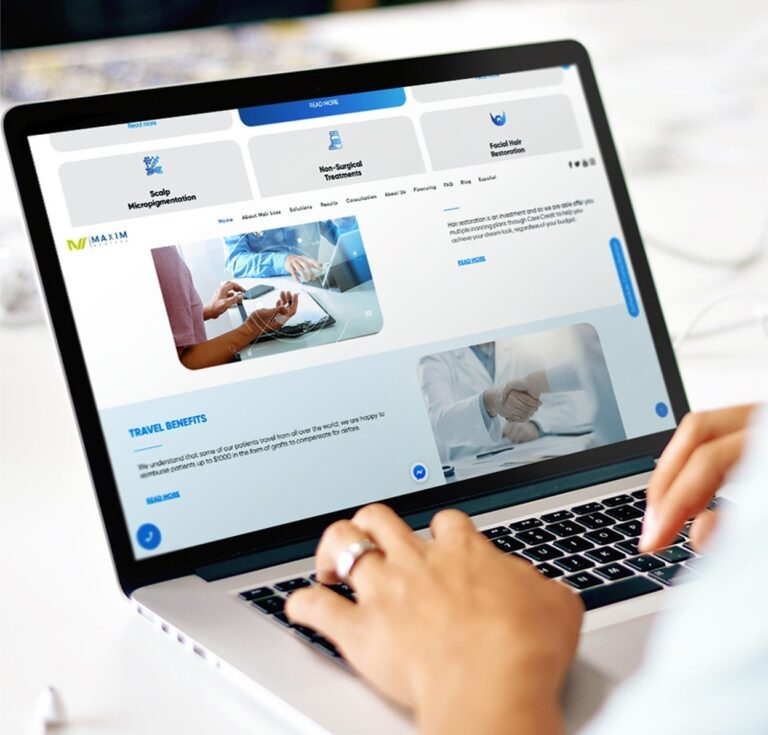
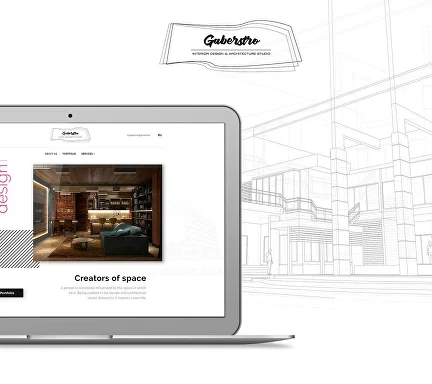
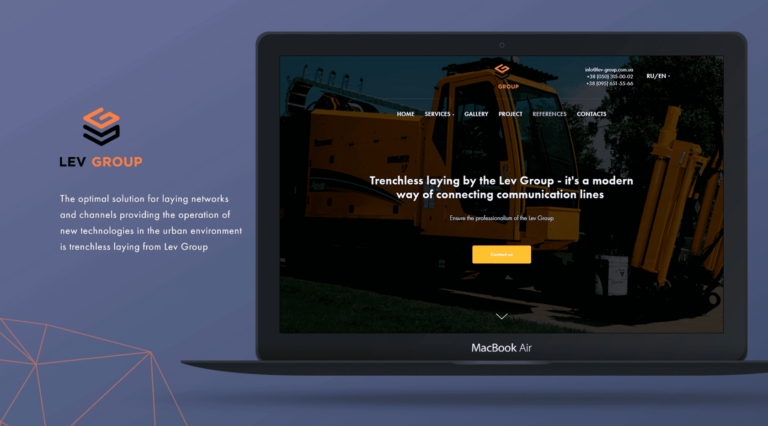
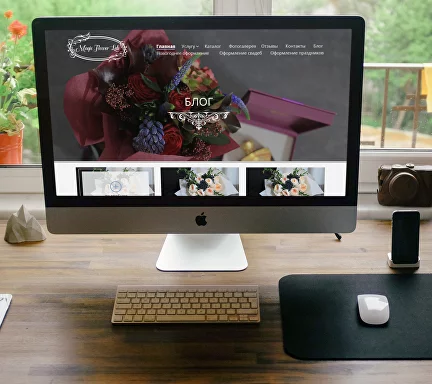
Magic Flower Lab Boutique
Still have questions about web development?
Book a free consultation with our expert!
- phone_iphone
- mail_outline
- location_on
- access_time